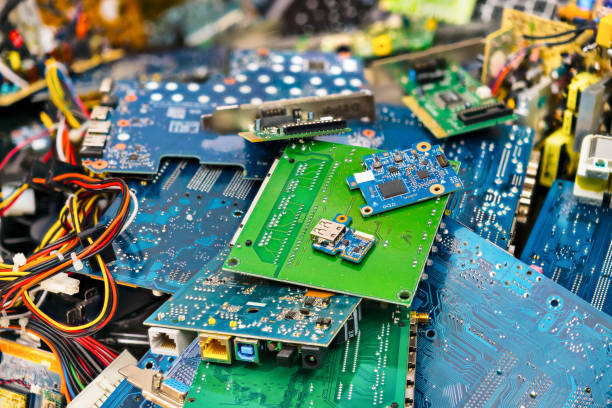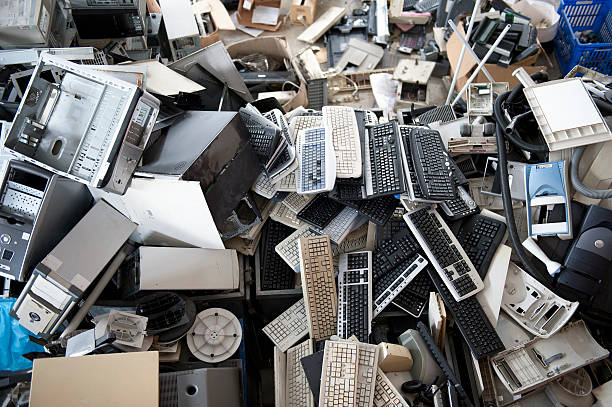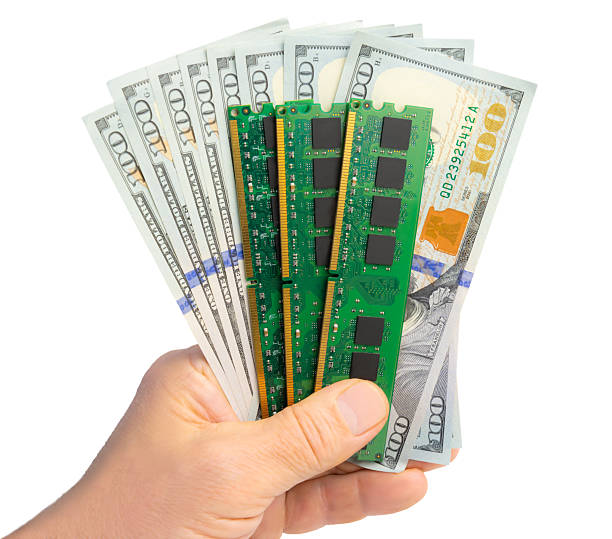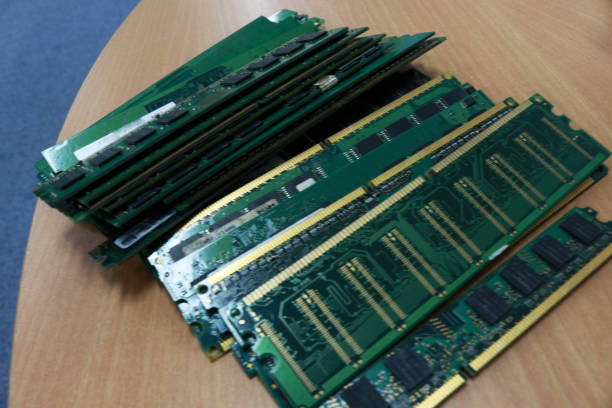
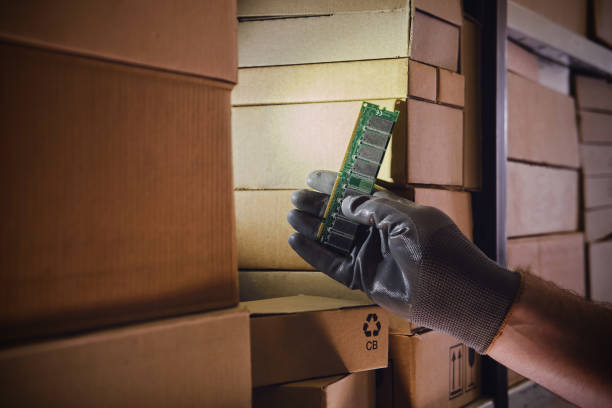
Desktop computer hardware refreshes occur continuously across corporate offices, school computer labs, system integrators, and individual enthusiast setups. When upgrading office towers or dismantling surplus workstations, system memory is frequently pulled and set aside in storage boxes. Letting unbuffered desktop DIMMs sit idle in drawers leads directly to inventory depreciation. Choosing to sell PC memory transforms idle hardware into usable operating capital, offsets the cost of new equipment purchases, and prevents functional components from entering waste streams.
At Ram Exchange, we work with businesses, IT asset disposition managers, and PC owners to recover fair market value from surplus desktop DRAM. However, many sellers do not realize that desktop modules vary widely in secondary market demand. A standard OEM pull from a corporate pre-built machine carries a very different valuation profile than a high-frequency, low-latency enthusiast kit or a high-capacity workstation module.
This comprehensive guide explains how to identify high-value desktop memory, decode manufacturer label codes, evaluate architectural differences, and prepare your components to secure the highest possible buyback returns.
Decoding Desktop RAM Labels: How to Read Module Specs
The fastest way to determine whether your desktop memory has strong resale value is to inspect the manufacturer sticker on the module printed circuit board (PCB). Professional buyers rely on these codes to verify capacity, speed, generation, and internal organization without needing to plug the stick into a test bench.
- Manufacturer Identifier: Look for the core silicon brand. Tier-1 manufacturers include Samsung, Micron, and SK Hynix. Prominent aftermarket enthusiast brands include Corsair, G.Skill, Kingston, and Crucial.
- Generation Prefix: DDR generations are usually indicated by a standard prefix such as PC3 (DDR3), PC4 (DDR4), or PC5 (DDR5).
- Bus Speed or Transfer Rate: A label marked PC4-25600U indicates DDR4 running at 3200 megatransfers per second (MT/s), calculated by dividing 25,600 MB/s by 8. A label marked PC5-44800 corresponds to DDR5-5600.
- Form Factor Letter Code: Desktop unbuffered memory is denoted by a U (UDIMM). Registered server memory is indicated by an R (RDIMM), and laptop memory is marked with an S (SO-DIMM).
- Timing and Latency Strings: High-performance memory often lists CAS Latency (such as CL16 or CL30) directly on the label. Lower latency numbers at a given frequency point to premium silicon dies.
When auditing surplus inventory, grouping modules by their exact part numbers makes it easy to obtain rapid valuation estimates.
Primary Architectural Factors That Drive Desktop RAM Value
Secondary market pricing for desktop memory follows strict supply-and-demand mechanics. Understanding the four core technical drivers behind hardware valuation helps you prioritize your highest-value inventory.
1. Memory Generation and Technology Standard
The memory generation establishes the overall price tier. Current-generation DDR5 desktop RAM commands premium secondary prices because contemporary Intel Core and AMD Ryzen platforms require DDR5 for maximum throughput. Mainstream DDR4 memory maintains stable, high-volume liquidity across corporate repair and budget workstation builds. Conversely, legacy DDR3 and DDR2 modules have largely transitioned into low-value or scrap-recovery tiers.
2. Module Capacity and Density
Higher per-DIMM densities yield higher valuations per gigabyte. A single 32GB DDR4 or DDR5 desktop module is significantly more valuable than two 16GB modules or four 8GB modules. Desktop motherboards feature only two to four physical DIMM slots, making high-capacity individual sticks highly desirable for power users and small-business workstations needing maximum memory headroom.
3. Overclocking Profiles and Low CAS Latency (XMP vs EXPO)
Enthusiast memory kits equipped with factory-tested Extreme Memory Profiles (Intel XMP) or Extended Profiles for Overclocking (AMD EXPO) command higher resale values than standard JEDEC modules. Kits rated for low latency and high frequency (such as DDR4-3600 CL14/CL16 or DDR5-6000 CL30) use cherry-picked, high-binned silicon dies that retain strong demand among custom PC builders and digital content creators.
4. Matched Multi-Channel Kits vs. Mismatched Singles
Desktop platforms rely on dual-channel memory interleaving. Matched pairs or quad-channel kits sold with identical serial numbers and matching manufacturing dates yield higher buyback pricing than random, mismatched individual modules. Matched pairs eliminate stability concerns and make resale much faster for secondary distributors.
Desktop Memory Valuation Matrix: High-Value vs. Standard Tiers
To evaluate your inventory efficiently, consider how different desktop memory types compare in current resale liquidity:
| Memory Category | Typical Specifications | Secondary Market Demand | Relative Resale Value |
| High-Density DDR5 Kits | 32GB to 64GB per module (5600–6400+ MT/s) | Very High | Premium |
| Enthusiast DDR4 Matched Kits | 16GB to 32GB modules, low CAS (CL14–CL16) | High | Strong |
| Standard OEM DDR4 UDIMMs | 8GB to 16GB single modules (2400–3200 MT/s) | Moderate to High | Moderate / Budget |
| Low-Density DDR4 Modules | 4GB single sticks (2133–2400 MT/s) | Low | Nominal |
| Legacy DDR3 Desktop Memory | 2GB to 8GB modules (1333–1600 MT/s) | Very Low | Scrap / Material Tier |
Capturing hardware value through prompt liquidation is essential. An enterprise technology report by Human-I-T shows that organizations recovering residual value from retired IT equipment can offset between 20% and 40% of their initial infrastructure expenditures when assets are liquidated within standard refresh windows. Waiting too long allows technological obsolescence to erase that recovery potential.
If your facility is upgrading workstations and needs to source replacement hardware, our extensive catalog of certified products offers fully tested memory solutions across multiple generations.
The Environmental Value of Reusing Desktop Memory
Liquidating surplus computer memory provides environmental benefits alongside direct financial returns. Component manufacturing requires substantial energy and resource inputs.
A research review on electronic waste and material streams published by the National Institutes of Health notes that approximately 53.6 million metric tons of electronic waste are generated globally each year, yet only 17.4% is formally collected and recycled. By extending the operational life of functional desktop RAM through secondary markets, organizations divert usable electronic components from overburdened municipal waste systems while reducing the need for primary silicon extraction.
Recovering and remarketing computer hardware directly supports circular economy initiatives by providing replacement parts to repair facilities and educational computer labs without manufacturing new silicon from scratch.
How to Prepare and Package Desktop RAM to Maximize Buyback Offers
To secure the highest possible payout when you sell PC memory, follow these best practices to ensure your modules arrive in pristine, fully functional condition:
- Verify Functional Condition: If you have access to a test desktop, run a quick diagnostic pass using tools like Windows Memory Diagnostic or MemTest86 to confirm that the modules operate without memory errors.
- Handle with Anti-Static Care: Always hold memory modules by their outer fiberglass edges. Avoid touching the gold contacts directly, as natural skin oils cause oxidation over time, and electrostatic discharge (ESD) can destroy internal DRAM cells without leaving visible signs.
- Clean Gold Contacts Gently: If older desktop modules exhibit surface dust or tarnishing along the contact edge, wipe them gently with a lint-free swab dampened with 99% isopropyl alcohol, then let them dry completely. Never use abrasive cleaners or pencil erasers.
- Package in Dedicated Anti-Static Trays: Ship memory in purpose-built anti-static clamshells or individual ESD shielding bags. Never pack loose memory sticks in regular plastic bags or wrap them in standard bubble wrap, which generates static electricity. Ship the protected trays in a rigid, padded shipping box to prevent bent circuit boards during transit.
Maximize Desktop Memory Resale Value with Ram Exchange
Sourcing reliable buyers for used computer memory requires working with an experienced, transparent partner. Since 2006, Ram Exchange has delivered dependable memory sourcing and IT Asset Disposition (ITAD) services from Silicon Valley to businesses, system builders, and technicians worldwide.
- Competitive Valuation: We offer transparent, real-time market pricing based on current secondary demand across DDR3, DDR4, and modern DDR5 memory standards.
- Rapid Diagnostic Verification: Our in-house testing laboratory screens incoming desktop modules quickly to ensure prompt verification and timely payment disbursement.
- Responsible E-Waste Compliance: Non-functional or obsolete memory modules submitted in bulk lots are diverted into certified recycling channels to ensure environmentally responsible material disposal.
- Streamlined Buyback Process: When you are ready to monetize surplus desktop memory, you can sell to us through an easy, transparent buyback process designed to maximize your hardware investment return.
Liquidate Surplus Desktop Hardware with Confidence
Deciding to sell PC memory provides a practical, budget-conscious way to clear out surplus office hardware, fund new equipment rollouts, and support electronics sustainability. By understanding how to decode module labels, identifying high-density and low-latency kits, and packaging parts safely, you can ensure that your hardware commands top-tier secondary market payouts.
Whether you have a dozen enthusiast kits from a gaming lounge upgrade or several hundred workstation modules from a corporate fleet transition, contact our memory valuation specialists at Ram Exchange today to receive an itemized buyback quote.
Frequently Asked Questions
Can I sell individual desktop RAM modules, or must they be in matched kits?
You can sell both individual modules and matched kits. However, matched dual-channel pairs or quad-channel kits (modules with matching part numbers, timings, and serial sequences) typically command higher valuations because secondary buyers can deploy them directly without encountering memory timing mismatch issues.
Does cosmetic damage to the heat spreader affect desktop RAM value?
Minor surface scuffs on an aluminum heat spreader usually do not impact value, provided the underlying circuit board and gold contacts are undamaged. However, missing thermal pads, loose heatsinks, or damaged surface-mount resistors will lower the valuation or result in a rejected module during diagnostic inspection.
How do I distinguish desktop RAM from laptop RAM?
Desktop memory utilizes standard dual in-line memory modules (UDIMMs), which measure approximately 5.25 inches (133 mm) in length. Laptop memory uses small-outline modules (SO-DIMMs), which measure approximately 2.66 inches (67 mm) in length. Desktop and laptop memory modules are physically incompatible.
What should I do if my desktop memory does not have a readable label?
If the original manufacturer sticker has peeled off, you can identify the module specifications by installing the stick into a working PC and reading the Serial Presence Detect (SPD) profile using free utilities such as CPU-Z or HWiNFO. Alternatively, an experienced memory buyer can scan the module during diagnostic intake.
How are payments handled for corporate desktop RAM buybacks?
Once your shipment arrives at the testing facility, technicians log serial numbers, run diagnostic tests, and issue an itemized test report. Upon approval of the final report, payment is released promptly via business check, ACH bank transfer, or electronic wire based on your organizational preference.