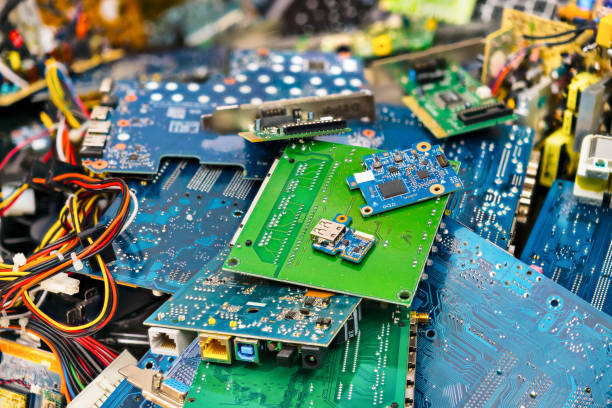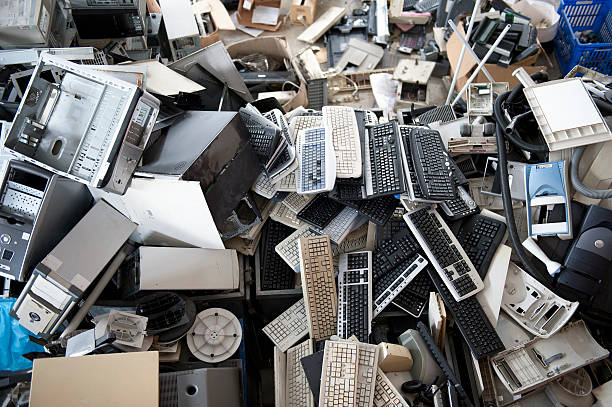
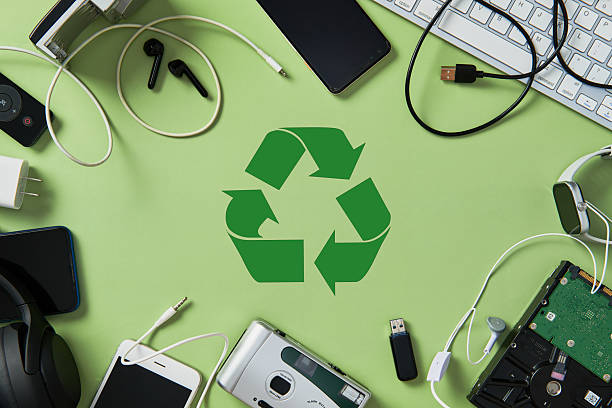
Corporate hardware upgrades are essential for sustaining organizational growth, enhancing cybersecurity, and supporting demanding application stacks. Whether your company is transitioning employee workstation fleets to modern processing architectures, consolidating branch-office server towers, or modernizing data center compute clusters, hardware replacement projects inevitably generate surplus inventory. However, the operational process required to recycle old computer equipment introduces significant complexity. Disconnecting infrastructure abruptly, mismanaging peripheral migrations, or failing to protect active corporate databases can disrupt daily business activities, trigger unplanned downtime, and frustrate internal teams.
At Ram Exchange, we support small and medium-sized businesses (SMBs) as well as enterprise organizations in executing seamless hardware transitions. Managing hardware retirement is not an isolated disposal task; it is an integral phase of operational lifecycle management. A well-planned asset retirement plan ensures that your organization eliminates digital security vulnerabilities, meets environmental mandates, and recovers residual component value without compromising daily productivity.
This practical guide outlines how businesses can decommission and recycle aging computer systems, maintain operational continuity throughout the hardware swap, and capture maximum value from retired IT equipment.
The Operational Dilemma: Upgrading Technology vs. Maintaining Uptime
Every IT upgrade project balances two competing priorities: deploying modern computing platforms and avoiding downtime for active staff and production services. If an IT team schedules an uncoordinated hardware swap on a busy workday, employees lose hours of productive output waiting for profile re-indexing, peripheral driver installations, or missing application credentials.
The operational stakes are substantial. Annual infrastructure research published by the Uptime Institute reveals that 57 percent of operators reporting a major outage stated their most recent incident cost more than $100,000, with human error and procedural oversights contributing to 92 percent of significant operational interruptions. Decommissioning hardware without structured staging workflows increases the risk of accidental server disconnects or lost business configurations.
Establishing a phased, repeatable strategy to recycle old computer equipment ensures that physical hardware swaps occur invisibly in the background while business operations continue without pause.
Phased Decommissioning Strategies to Prevent Workload Interruption
Executing an organized IT hardware transition requires separating project execution into predictable operational phases. Rather than adopting a risky “rip-and-replace” approach, successful IT departments deploy a parallel rollout model.
- Inventory Baseline and Dependency Mapping: Catalog every device scheduled for replacement, noting user roles, attached peripherals, storage drive configurations, and localized software licenses.
- Pre-Configuration and Imaging: Configure replacement systems in an off-floor staging environment. Pre-load master enterprise disk images, security agents, VPN configurations, and cloud storage profiles before machines reach employee desks.
- Side-by-Side Parallel Migration: Keep legacy workstations fully operational while deploying new machines. This parallel setup gives users immediate fallback access while personal profiles, local archives, and browser tokens synchronize.
- Tiered User Rollouts: Upgrade non-critical departments first to identify software deployment bugs or network configuration issues before touching core transactional divisions such as finance, sales, and logistics.
If your technical staff needs to procure verified memory to expand capacities on temporary migration servers or balance active infrastructure nodes, you can explore our extensive inventory of tested products to match exact OEM specifications.
Data Security and Sanitization Protocols During Equipment Retirement
A major operational bottleneck during equipment retirement involves ensuring that proprietary company data is permanently wiped from decommissioned machines before units leave the premises. Neglecting digital security exposes businesses to severe regulatory penalties and customer loss.
| Sanitization Method | Applicable Media Type | Standard Compliance Level | Operational Impact |
| NIST 800-88 Clear (Cryptographic Overwrite) | Functional NVMe SSDs, SATA SSDs, Enterprise SAS Drives | NIST SP 800-88 Rev. 1 Guidelines | Preserves drive mechanics; allows secondary hardware remarketing. |
| NIST 800-88 Purge (Block Erase / Firmware Sanitization) | Enterprise Solid-State Arrays, Flash Drives | High-security enterprise compliance | Erases all physical sectors, including over-provisioned blocks. |
| Physical Shredding & Degaussing | Defective mechanical hard drives, damaged SSDs | DoD 5220.22-M / NSA Standards | Irreversibly destroys physical silicon and magnetic platters. |
For organizations handling sensitive client records, implementing on-site data wiping prior to transport ensures that storage media never leaves your physical custody with readable data intact.
The Environmental Imperative of Sustainable Hardware Retirement
Beyond maintaining operational continuity, businesses must fulfill environmental obligations when retiring physical hardware. Electronic waste represents one of the fastest-growing hazardous municipal streams worldwide.
Authoritative data published in the Global E-waste Monitor by the United Nations Institute for Training and Research shows that the world generated a record 62 million metric tons of electronic waste in a single year, yet only 22.3 percent was documented as formally collected and recycled in an environmentally sound manner. Small IT equipment, including corporate laptops, desktops, and routers, contributed millions of metric tons to this stream.
Partnering with a certified IT Asset Disposition (ITAD) provider prevents obsolete electronics from entering landfills. Certified downstream refiners safely extract hazardous substances like leaded solder, beryllium, and mercury while returning critical commodities like aluminum, gold, and copper into modern industrial manufacturing cycles.
Staging, Packing, and Logistics Best Practices for Corporate Facilities
Managing the physical logistics of office computer recycling requires careful organization to avoid cluttering office hallways and loading docks:
- Designate a Controlled Quarantine Staging Zone: Allocate a locked, static-dissipative staging room for retired equipment. Prevent staff from salvaging random components from decommissioned machines, which creates missing-part discrepancies during final asset reconciliation.
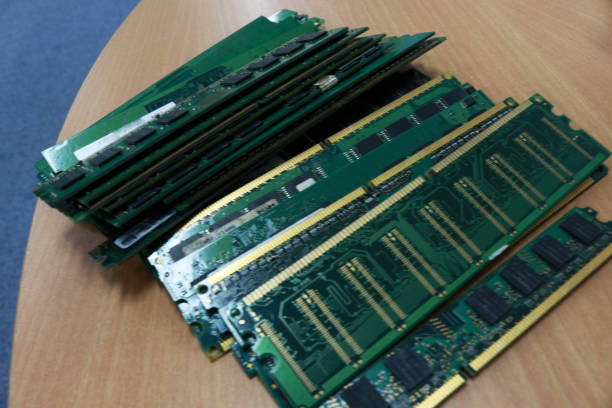
- Segregate High-Value Components: High-density enterprise DRAM modules and server processors retain strong secondary market value. Technicians should extract memory sticks and seat them inside anti-static blister trays (JEDEC clamshells) rather than shipping bare motherboards where components can suffer transit damage.
- Consolidate Cables and Accessories: Coil monitor cables, power bricks, and docking station cords neatly into labeled gaylord boxes. Organized consolidation speeds up logistics handling and prevents trip hazards in facility loading areas.
- Implement Serialized Chain-of-Custody Tracking: Maintain an itemized sign-off sheet for logistics carriers. Every physical pallet or transport bin must carry serialized tamper-evident security tags that match your transportation manifest.
Maximize Lifecycle Value with Ram Exchange
Decommissioning legacy office systems and data center equipment does not have to be an expensive operational burden. Operating from Silicon Valley since 2006, Ram Exchange brings over 18 years of technical expertise to enterprise DRAM distribution and certified IT Asset Disposition (ITAD).
- Direct Capital Recovery: We evaluate surplus hardware based on real-time market demand across legacy DDR3, mainstream DDR4, and modern DDR5 memory standards, ensuring your business captures fair recovery value.
- Certified Lifecycle Management: Our specialized processing facilities handle certified data sanitization, serialized intake reporting, and environmentally sound material recycling in full compliance with e-waste guidelines.
- Dedicated Enterprise Sourcing: Whether your operations team needs to source legacy server memory or outfit corporate fleets with high-speed DRAM, we supply tested, OEM-grade solutions.
- Monetize Surplus Assets: When your business is ready to retire older desktop fleets, enterprise switches, or data center compute nodes, you can sell to us to monetize surplus equipment and support sustainable electronics reuse.
Execute Your Next Hardware Refresh Smoothly
Choosing to recycle old computer equipment through a structured, phased methodology allows your organization to upgrade frontline capabilities without sacrificing workflow productivity. By establishing parallel staging environments, executing certified data destruction, and collaborating with an experienced lifecycle partner, business leaders can modernize technology assets smoothly, preserve corporate data security, and support responsible circular economy practices.
If your organization is planning an upcoming hardware refresh or has surplus desktop or server equipment ready for valuation, contact our enterprise disposition specialists at Ram Exchange today to receive an itemized proposal and logistical consultation.
Frequently Asked Questions
How can our business avoid employee downtime during an office computer upgrade?
To prevent downtime, adopt a parallel rollout model. Configure and image all replacement systems off-floor before introducing them to the office. Allow employees to access their old and new computers side-by-side during the initial shift, ensuring that cloud profiles, localized bookmarks, and application credentials transfer completely before older units are retired.
What should our company do with working peripherals like monitors and docking stations?
If peripherals remain functional and support modern connectivity standards like USB-C and DisplayPort, redeploy them across secondary workstations or remote employee home offices. If peripherals are obsolete or damaged, include them in your certified recycling lot for component harvesting and material reclamation.
Can our business legally recycle old computers with storage drives intact?
Yes, provided your IT asset recycling partner executes certified data sanitization compliant with NIST SP 800-88 Rev. 1 guidelines. The provider must supply an itemized Certificate of Data Destruction detailing the exact serial numbers of all sanitized or shredded drives to protect your organization during compliance audits.
How do we determine if retired hardware has secondary resale value?
Hardware value depends on system age, component density, and market demand. Generally, laptops, servers, and desktops retired within three to five years of initial deployment retain significant secondary value, particularly their modular parts like CPUs, power supplies, and high-density memory modules. An experienced ITAD specialist can audit your inventory manifest and provide an itemized valuation estimate.
What is the difference between electronics recycling and IT asset disposition (ITAD)?
Basic electronics recycling focuses on shredding end-of-life hardware to recover base metals and plastics. IT Asset Disposition (ITAD) is a comprehensive corporate management discipline that includes serialized inventory tracking, certified data destruction, remarketing for maximum value recovery, and zero-landfill material recycling.